

Quick Summary
- Online negotiation service
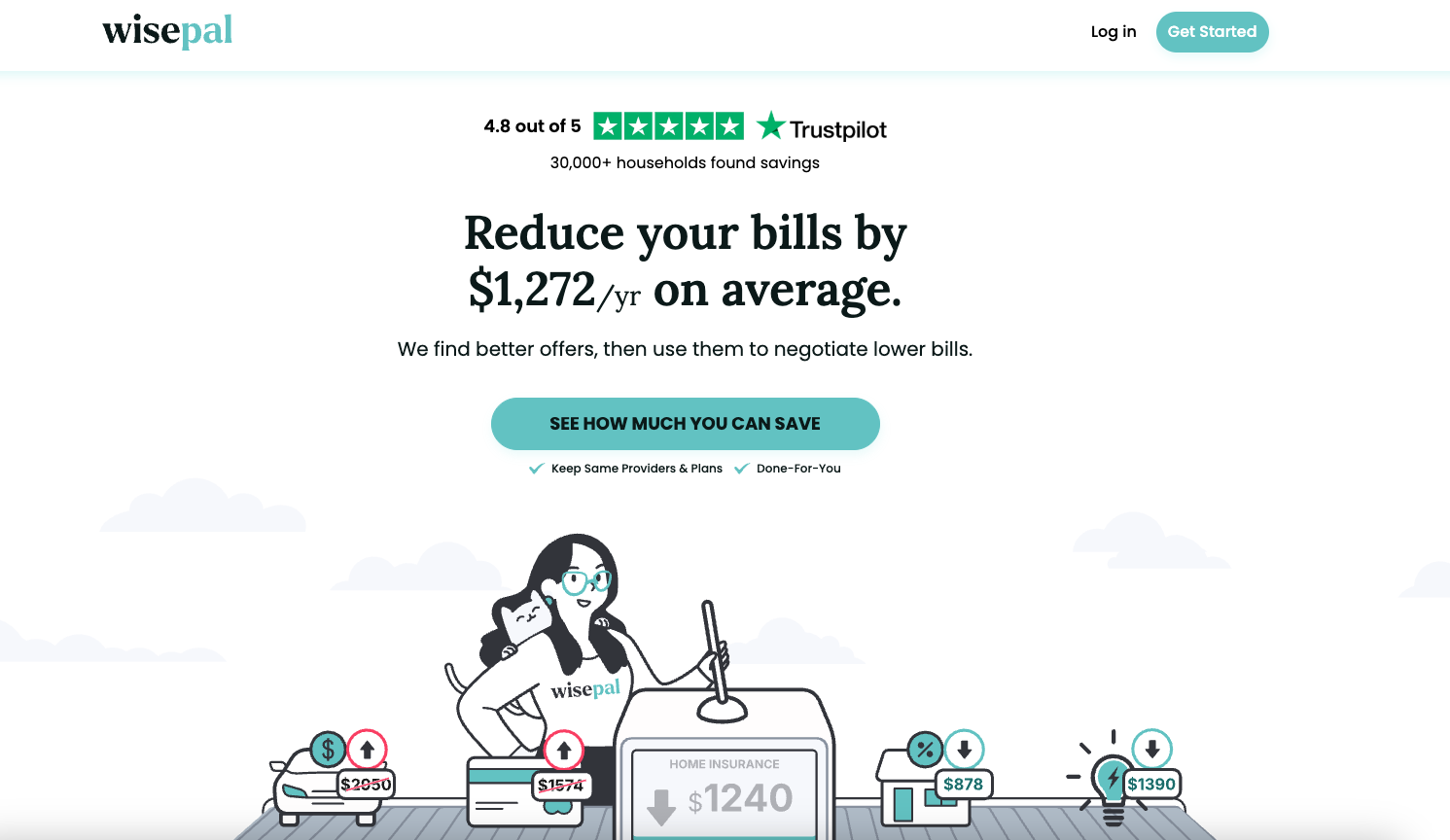
- Users save an average of $1,272 annually
- You choose your fee upfront
WisePal is a bill negotiation platform that helps you lower household expenses without having to negotiate with providers yourself. It finds comparable offers and uses them as leverage to negotiate a lower price with your current provider. It may be worth considering if you want to lower your monthly bills but don’t want to spend a lot of time shopping around or negotiating.
What Is WisePal?
WisePal is a personal finance app that helps you reduce your recurring bills. According to the company, it has helped more than 30,000 households over the past five years. While it’s main service is to help you find comparable offers on your existing services, and then using those to negotiate lower prices, it also helps people find savings in other areas, such as car insurance, property taxes, credit card debt, utilities, and more.
What Does It Offer?
WisePal uses bill analysis, comparison shopping, bill negotiation, and ongoing monitoring to help you lower your bills. Here’s a closer look at what you can expect when you join:
How WisePal Works
After signing up and sharing your recurring bill details, WisePal gets to work, following these four steps:
1. Find comparable offers: WisePal analyzes your monthly bills, focusing on specific details, such as rates, coverage limits, speeds, interest rates, and other terms. It then compares what you’re paying with lower-cost alternatives. Their goal is to find options that keep the main benefits of your current service.
2. Bill negotiation: Rather than simply telling you that another provider has a better price, WisePal can use comparable offers as leverage to negotiate a lower bill with your current provider, without downgrading your service.
3. Find the savings: According to WisePal, its users save an average of $1,272 per year. This is based on the “combined average annual savings across wireless, home internet, and TV service” for customers with all three bills. Even if WisePal finds a comparable provider at a lower price, you aren’t obligated to switch.
4. You save (and WisePal gets paid): As mentioned, WisePal doesn’t get paid unless it saves you money. If so, WisePal takes a cut of those savings. While it doesn’t publish a specific percentage, users choose the amount in advance, so the fees will not be a surprise.
How WisePal Finds Savings
WisePal doesn’t limit its search to one or two types of bills, like a cell phone or home internet bill. Depending on your situation, it can also look for savings from electricity, insurance, savings accounts, car loans, mortgages, credit card debt, and property taxes.
With recurring bills, it can find comparable offers and use those prices to negotiate with your current provider. However, for other expenses, it might find a lower cost product or another savings opportunity. Your actual savings will depend on the number and types of bills WisePal works with and what alternatives are available at the time.
Continuous Monitoring
One nice things about WisePal is that it isn’t a “one-and-done” service. It can continue monitoring your bills and the market, looking for new opportunities.
For example, WisePal may identify that you’re paying more than the current market average, find a new opportunity to negotiate your bill, or alert you that a promotional rate is ending. You’ll also receive a monthly summary showing what you’re paying, what’s changes, and where you might find new opportunities to save.
The ongoing monitoring is a nice feature, because what is a good price today, might not be a year from now!
Are There Any Fees?
WisePal doesn’t charge any upfront fees because it only gets paid when it saves you money. However, if it negotiates a lower bill on your behalf, you’ll pay a percentage of the savings it generates. You’re charged only after WisePal secures the savings. Interestingly, you choose the percentage you want to share with WisePal.
If WisePal fails to negotiate a lower price, you don’t pay a negotiation fee. You can also compare alternative providers and switch through WisePal without being charged.
How Does WisePal Compare?
Other platforms offer bill negotiation services, similar to WisePal. Rocket Money, for example, offers bill negotiation as part of a broader personal finance offering that includes budgeting and subscription management. Its negotiation fee ranges from 35% to 60% of your first-year savings, with users choosing the percentage they pay.
Billshark is more narrowly focused than Rocket Money. It helps you lower your bills and charges a one-time fee equal to 40% of the savings it secures for you. Like WisePal, you don’t pay Billshark unless it finds you savings.
|
Header
|
|
 |
 |
|---|---|---|---|
|
Rating |
|||
|
Pricing |
Varies |
35% – 60% |
40% of savings |
|
Bill Negotiation |
|||
|
Budgeting |
|||
|
Net Worth Tracking |
|||
|
Cell
|
How Do I Open An Account?
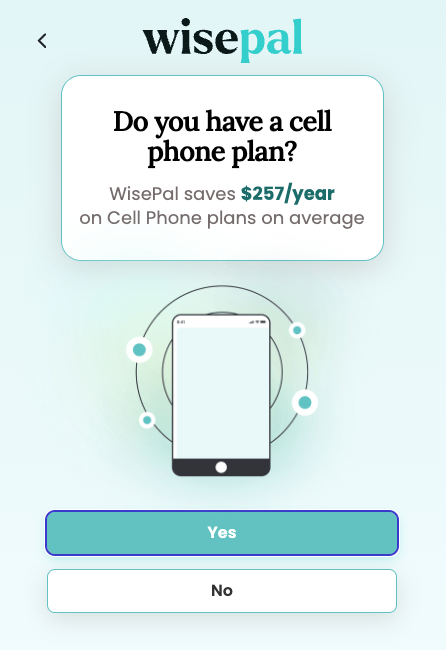
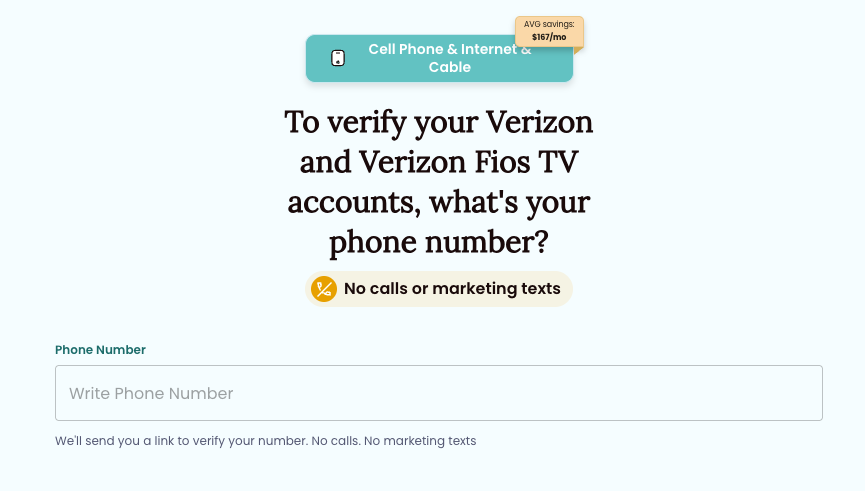
You can get started from the WisePal website by selecting the “Get Started” or “Check for Savings” buttons. From there, you’ll be asked to list your main bills, such as your phone plan, home internet, cable, or streaming, and include your current provider. Wisepal will also ask if you have car insurance or wish to cut your electricity costs. You’ll follow a few steps to verify your bill accounts, but WisePal says the initial process takes about 90 seconds.
Is It Safe And Secure?
According to WisePal, it encrypts and protects customer information using industry-standard security measures. It also says that its security is regularly reviewed by NCC Group, a cybersecurity company.
As with any service that analyzes your personal finance information or bills, you’ll need to decide whether you are comfortable sharing your information with WisePal. I recommend reading its privacy policy and terms of service so that you understand how it handles the information it collects, before you sign up.
How Do I Contact WisePal?
You can speak with a WisePal representative by calling +1 (979) 271-6060 during the following business hours:
Monday – Friday, 9:00 AM – 6:00 PM EST.
You can also email WisePal support at hello@wisepal.com. WisePal says that the average response time is two hours. You can also use the contact form on its website to reach out.
Is It Worth It?
I like WisePal’s basic premise. It solves a problem many of us have but often put off because it feels like too much friction. I also like that they don’t force you to switch providers; they just show the available options. And the success-based pricing (they only get paid if you save) limits your risk. That said, you still need to consider that you will be giving up a portion of your savings for something you could do yourself if you’re willing to put in the time and effort.
One thing I don’t like is the lack of transparency around the fees. While WisePal says you choose your fee, I couldn’t find any estimate or fee range anywhere on its website. Billshark, on the other hand, states directly on its website homepage that its fee is 40%. Rocket Money states that its fees range from 35% to 60%, and the customer chooses. If Wisepal makes a similar disclosure, I couldn’t find it. You have to assume its fees fall in a similar range to Rocket Money and Billshark.
Ultimately, if you’re comfortable negotiating bills and doing your own comparison shopping, you probably don’t need a service like this. But if you’d rather have someone else do the legwork, WisePal could be an easy way to find savings without spending hours calling providers.
Check out WisePal here >>
Editor: Robert Farrington
The post WisePal Review: Save Money On Bills And More appeared first on The College Investor.

